Website check10 min
How can you check your website yourself?
Your website is online. But can people find it, does it load on a phone, and does an enquiry reach you through it? Eight questions help you find out in a quarter of an hour.

Carlos Ortiz Liz
I build websites for small businesses myself. So I go through the same questions for my own site that I ask you here. One example is casa abruzzo:
“Zita and I run week-long cooking holidays in Vittorito. Our guests have booked online since 2025, and since August 2026 with the new booking system. In the dashboard I can also see which searches bring guests to us on Google.”
At the end I show you how to have the first points checked automatically. That doesn’t replace looking at your site yourself.
Can people find you when they search for you?
Search for your business on Google. Type your name and your town, as a customer would. Is your website at the top? Do you see a listing with an address and opening hours?
Also search for what you offer, together with your town. Does your business appear? That depends on many things. It’s an observation, not a verdict.
Look at the title Google shows in the search result. It doesn’t come only from the title of your page. Google also uses headings and visible titles on the page. The description below it usually comes from the text of the page. Google uses your own meta description only if it describes the page better. You can influence this, but you can’t decide it.
Source: Google Search Central on title links and on snippets.
Then there is the Business Profile. It’s a separate listing in Google Search and on Google Maps. You verify it when you add it. The address must be correct. Google’s guidelines say whether your business is eligible.
Source: Google Business Profile Help.
Check: Does Google show your name and town? Does the title fit what you offer? Are the address and opening hours in the profile correct?
- 1
Search
Someone types your name or your offer, together with your town. - 2
Result
Google shows a title and a description. Neither comes from you alone. - 3
Page
The page opens. This is where the visitor decides whether to stay. - 4
Contact
A call, a message or an enquiry, where measurable.
Any step can drop out. The graphic shows a process, not a result.
How long does your website take to load on a phone?
Many visits come from a phone. Your visitor analytics show how many come to your site this way. Google uses the phone version of your content for search results.
Source: Google Search Central on mobile-first indexing.
Google describes three measures of how people experience a page, the Core Web Vitals. They look at loading, at how the page reacts to input and at whether content moves while it loads. You don’t need to learn the names.
Source: web.dev on Web Vitals.
If you measure it yourself, look at phone and laptop separately. Google PageSpeed Insights shows both for one address. A single number tells you little. It depends on the device, the connection and the time. Large images and services from other providers can make loading slower.
Open your site once on mobile data instead of Wi-Fi. Wait until you can see the phone number. Repeat this on another day.
Can people reach you with one tap?
Imagine someone standing outside your shop or your building site with a phone. They want to call you. How many steps do they need? Do they have to scroll, open a menu or type in a number?
A number that is only text usually can’t be tapped. A phone link can. Check each way on its own: phone, email, WhatsApp and form. Not every business needs all four.
For a joiner, a call can be the shortest way. For a course, a form can suit better, for example for questions about dates. A restaurant may focus on reservations. What fits, you see from what your customers do.
A click on a way to contact you is not yet an enquiry. An enquiry exists only when someone writes to you or speaks to you.
Test every way to contact you yourself. Call, send yourself a message through the form and check that it arrives.
Several steps
The number is in the legal notice.
The visitor has to search.
- Open the menu
- Find the legal notice
- Type in the number
One tap
The number is at the top and can be tapped.
The visitor calls.
- Phone link on the home page
- Easy to see on a phone
An example of two set-ups. A click on the number is not yet an enquiry.
Can people send an enquiry or book directly?
What should a visitor do on your site? Ask for an appointment, reserve a place on a course, book a table or a room? Can they do it on your site, or only by phone or through a portal?
A portal can bring you guests. But it stays a route with someone else’s rules. On your own site you can look at the process yourself, where measurable. For that you need a set-up that fits your business and someone to look after it.
A click, an enquiry and a booking are three different things. A click on “Book” is not a booking. An enquiry is non-binding. Only what has been confirmed counts as a booking. The chart shows a fictional example.
Go through the process once as a guest. How many steps does it take to send an enquiry? Does it work on a phone?
Click on phone
8 out of 100
One click, not yet a call
Click on WhatsApp
5 out of 100
One click, not yet a message
Enquiry through the form
3 out of 100
Sent, non-binding
Booking started
4 out of 100
Not yet completed
Booking confirmed
1 out of 100
Only this counts as a booking
Example with fictional figures. These figures are not targets. One visit can appear in more than one row.
Do you know what happens on your website?
You can judge a lot about a website by feeling. It’s better to look at the facts. How many visits did the site have last month? Where did they come from? Which pages were read? Compare similar periods. A December says little about a July.
For casa abruzzo I use the dashboard, my overview of visits, enquiries and bookings. Among other things, I look at the searches that bring guests to us on Google. This shows us which words fit our offer. It doesn’t show which of them lead to bookings.
Visitor analytics count visits, not people. They have gaps, for example because of blockers or missing information about the source. I describe how this works in the article What your website statistics can tell you.
Write down two questions you’re interested in. Check whether your analytics can answer them.
-
A visit from Google Search. The page read is “Courses”.
-
A visit from a newsletter link.
-
A click on the phone number. The analytics don’t show whether a call followed.
-
An enquiry is sent through the form.
-
A visit from Instagram. It ends after one page.
Example data, fictional. These figures and times are not targets.
What can you look at on the legal pages?
Rules differ from country to country. They depend on where you work, where your visitors live and which services your website uses. I can’t tell you which rules apply to you. This article doesn’t assess whether a particular set-up is legal. I only name what you can look at.
Start with the legal notice (in German, Impressum). As one example, § 5 of the German law on digital services (DDG) lists, among other things, a name, an address and an email address. This information must be easy to recognise, directly reachable and always available. Further details can apply, depending on your activity. Check whether you can reach your legal notice from every page with one click.
Source: § 5 DDG, general information duties (German text). For other countries, look up the rules there.
Then check whether a privacy policy is linked. Also look at which services your site loads, for example maps, videos, analytics or fonts from other providers. Whether you need consent and a cookie banner for them depends on those services and how they are set up.
Have the legal position for your business checked by an appropriate professional. A list of pointers is not a legal review.
Check: Can you reach the legal notice from every page? Is the privacy policy linked? Do you know which services from other providers your site loads?
- Legal noticeCan you reach it from every page?
- PrivacyIs it linked, and written for the way the site is actually set up?
- Cookie bannerDo the banner and the services on the page match?
- Third-party servicesMaps, videos, analytics, fonts: what does the page load?
Not legal advice. Have the legal position for your business checked by an appropriate professional.
Can you change texts and images yourself?
Your opening hours change. A course is full. The menu changes. Can you enter this yourself, or do you wait for someone?
Both can work. With a website builder such as Wix or Jimdo, you design and maintain the site yourself. For that you spend your own time. If someone looks after your site, you ask them. That saves you time, but it depends on when they reply.
For any site, ask who may change what and what a change costs. How I have set this up in my own offer is in the article How much does a small business website cost?.
Change one sentence or one opening time today. Note how long it takes and whether you needed help.
You change it yourself
You enter texts and images yourself.
You need time.
- Where do you change texts?
- How long does an image take?
Someone changes it for you
You pass the change on.
It depends on what you agreed.
- Who replies, and when?
- What does a change cost?
Both ways can work. It depends on what you want to do yourself.
What does the website check read for you?
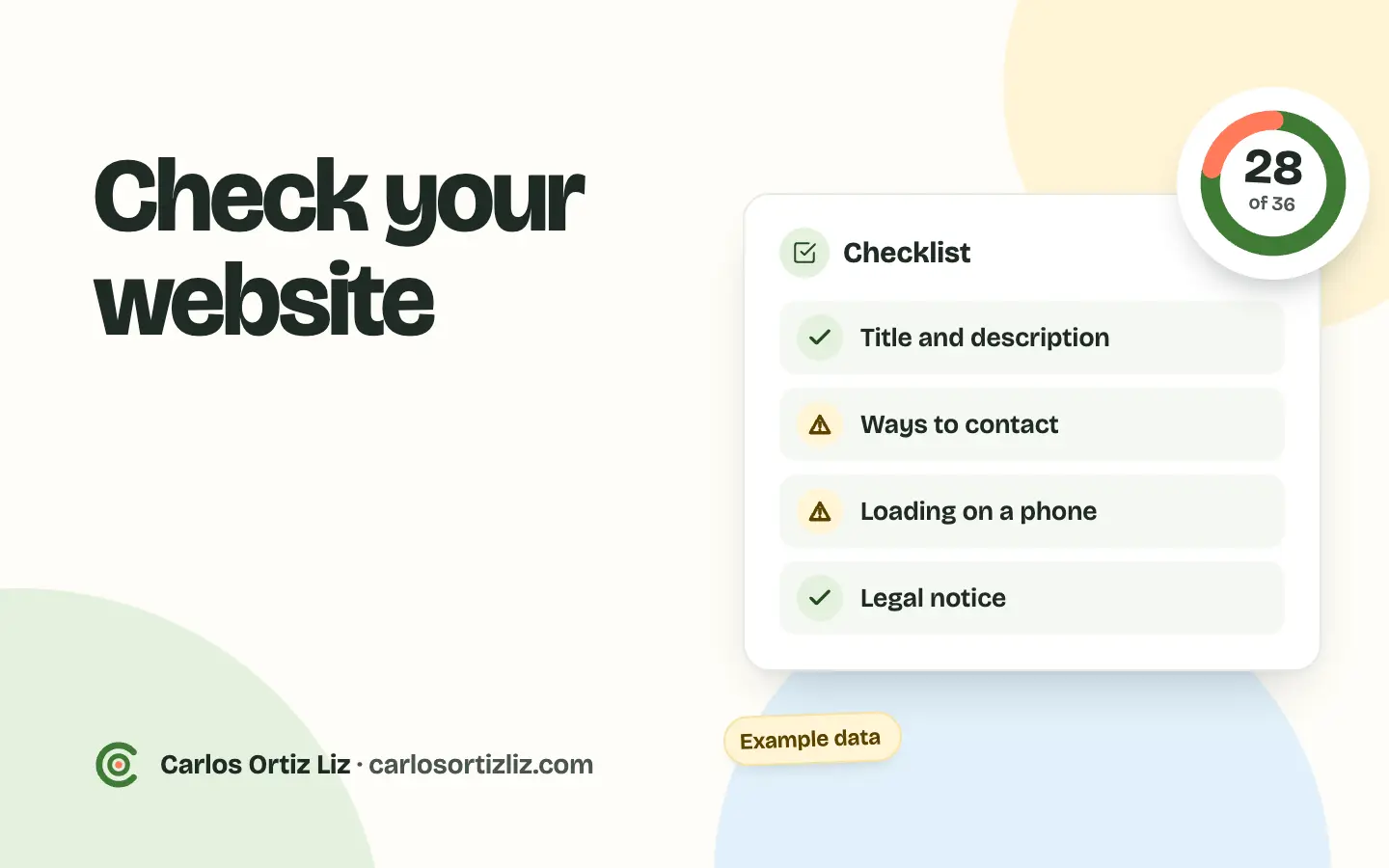
You can go through the points in the chapters by hand. My website check reads some of them. You enter your website address, your business name and your type of business. After about a minute the report is ready.
First the check finds out what your site is built with, for example a website builder, a shop system or a content management system. With a website builder or a shop system, the provider handles part of the technology. So points that only the provider can change are not in your recommendations.
Then it reads your home page and some linked pages, such as contact and legal notice. It sees only what anyone can read. Google PageSpeed Insights measures loading speed, for phone and laptop separately. The report shows both side by side.
At the top of the report, a ring shows how many of the rated check points are in place. Notes don’t count; they are neither good nor bad. Below that come the areas, for example Speed, Google, Contact and booking, Technology and Trust.
For the ways to contact you, you see what was found. If the phone shows “text only”, the number can’t be tapped on a phone. The check reads only how the page is built. You still test yourself whether your message arrives.
Every recommendation is tied to a finding. They are sorted by level: important, worth it and polish. You can tick them off. The ticks only last while the page is open. Nothing is saved.
You get a link to the report. Anyone with the link can open it. It’s deleted after 48 hours.
The check is free and non-binding, and you don’t need an account. Contact details are optional. I contact you only through the channels you expressly agree to. The details are in the privacy policy.
The check is a snapshot. It doesn’t replace a full technical review or a legal review of your website. A note in the report is not a verdict on your business.
Enter your address and read the report. Then go through the chapters above once more.
check points in place
-
28 in place
This already works.
-
8 missing
Worth a closer look.
-
5 notes
Not an error, but good to know.
This is where I would start:
Phone number is only text
The areas at a glance
- Platform Website builder
- Speed 5 of 7 in place 2 missing
- Google 8 of 9 in place 1 missing
- Contact and booking 4 of 7 in place 3 missing
- Technology 6 of 7 in place 1 missing
- Trust 5 of 6 in place 1 missing
How customers reach you
- Phone text only
- WhatsApp not found
- Email found
- Form found
- Online booking not found
- Google profile found
Fictional example. These figures are not targets. A real report counts different check points depending on the website and has more sections. Not a legal opinion.
Frequently asked questions
Is the website check really free?
Yes. The check is free and non-binding, and you don’t need an account. Contact details are optional. I contact you only through the channels you expressly agree to.
What happens to my data?
That depends on what you enter. Anyone with the link can open the report, and it’s deleted after 48 hours. So share the link only with people you want to show it to. If you agree to be contacted, your business name, website, contact details and a short summary stay stored until you withdraw your consent, for two years at most. The details are in the privacy policy.
I use a website builder. Is the check still worth it?
Yes. The check reads the publicly visible site and finds out what it’s built with. Points that only the provider can change are not in your recommendations. What you can change yourself depends on the provider.
How often should I check my website?
That depends on your business. A good time is after bigger changes and before your busiest season. The check is a snapshot, so a later run can give a different result.
What if I notice a lot of problems?
That depends on which ones. Start with contact and booking, because that is where it’s decided whether people can reach you. The recommendations in the report are sorted by level. A note is not a mistake. If you get stuck, write to me. I’ll take a look and get back to you personally.
Sources
- Google Search Central: title links (accessed 1 November 2026)
- Google Search Central: snippets (accessed 1 November 2026)
- Google Search Central: mobile-first indexing (accessed 1 November 2026)
- web.dev: Web Vitals (accessed 1 November 2026)
- Google Business Profile Help: add or claim your business (accessed 1 November 2026)
- Gesetze im Internet: § 5 DDG, general information duties, German text (accessed 1 November 2026)
I opened the Google pages and the German law text linked above on 1 November 2026. The description of the website check reflects the report as of 1 November 2026. The example businesses and all figures in the charts are fictional. I haven’t checked whether a particular set-up is legal.